Google Veo 3 Pro Video Maker
Elevate your visual storytelling to unprecedented heights with the Google Veo 3 Pro Account, now available on Themesmaster. As Google’s most advanced generative video AI, Veo 3 transforms simple text prompts into stunning, cinematic 1080p masterpieces with breathtaking realism. By upgrading to the Pro version, you unlock priority processing, extended video lengths, and exclusive creative tools designed for professional filmmakers and content creators. Don’t let technical limits stifle your imagination. Secure your Pro account today on Themesmaster for instant delivery and unbeatable support. Click ‘Buy Now’ to start creating the future of video!
What is Google Veo 3 Pro?
Google Veo 3 Pro is a state-of-the-art generative video model developed by Google DeepMind to compete at the highest level of AI video production. It is an evolution of previous models, specifically engineered to understand nuanced cinematic language and complex physical interactions. The Pro version provides an enhanced environment where creative professionals can generate videos in high definition that exceed a minute in duration, maintaining visual coherence from start to finish.
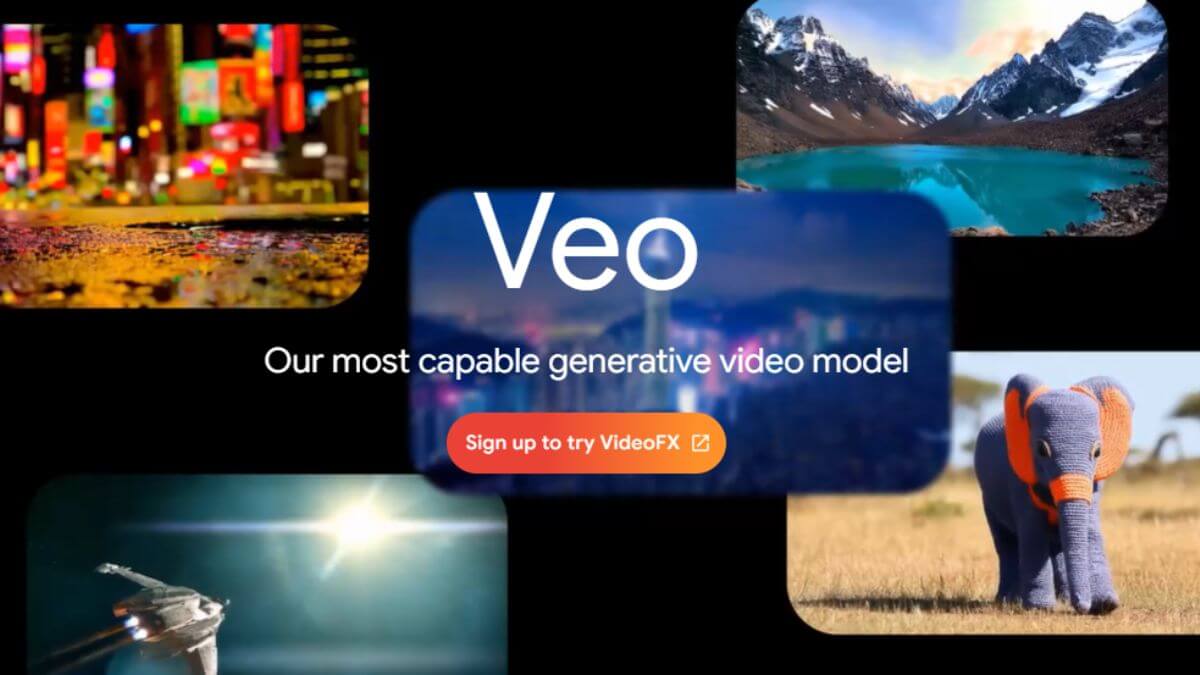
This platform operates by interpreting natural language prompts and converting them into high-fidelity visuals. It excels at capturing various cinematic styles, such as landscape shots, time-lapses, and close-ups, with incredible realism. Unlike basic video generators, the Pro iteration of the Veo engine offers deeper control over camera movements and lighting, making it an essential tool for filmmakers, advertisers, and digital artists who demand professional-grade output.
Key Features Google Veo 3 Pro
The features of Google Veo 3 Pro are built to handle the rigorous demands of professional video production while remaining accessible to creative minds.
- High-Definition Output: Generate videos at 1080p resolution or higher, ensuring that every detail is crisp and suitable for commercial use.
- Cinematic Control: Direct the AI using specific terminology such as pan, tilt, or zoom to achieve the exact camera movement required for your scene.
- Visual Consistency: Maintain the appearance of characters, objects, and environments throughout multiple clips, which is vital for long-form storytelling.
- Advanced Physics Understanding: The model accurately simulates how liquid flows, how hair moves in the wind, and how light reflects off different surfaces.
- Multi-Format Prompting: Create content using text prompts, starting from an existing image, or even by modifying an existing video clip with new instructions.
- Extended Clip Duration: Produce continuous sequences that are significantly longer than standard AI video generators, allowing for more comprehensive narrative development.
Benefits of Using Google Veo 3 Pro
Integrating Google Veo 3 Pro into your creative toolkit offers a range of professional advantages that can redefine how you produce visual media.
Unmatched Efficiency in Content Production
Traditional video production involves scouting locations, hiring actors, and hours of post-production. With a Pro account, you can visualize concepts in seconds, reducing the time from ideation to final render by an immense margin. This allows for rapid prototyping and faster feedback loops in professional projects.
Cost-Effective Professional Storytelling
Creating high-quality cinematic shots often requires expensive equipment and large teams. Google Veo 3 Pro provides these capabilities within a digital interface, making elite-level production accessible at a fraction of the traditional cost. This is particularly beneficial for small studios and independent creators.
Creative Freedom Without Boundaries
The ability to generate any scene imaginable means you are no longer limited by physical constraints. Whether you need a futuristic city or a hyper-realistic nature documentary, the Pro model brings your unique vision to life with perfect clarity and artistic flair.
Comparision The Plans of Google Veo 3 Pro
| Feature Comparison | Standard Version | Google Veo 3 Pro |
|---|---|---|
| Maximum Resolution | 720p HD | 1080p Ultra HD and above |
| Clip Length | Up to 10 seconds | Over 60 seconds per clip |
| Generation Speed | Standard queue | Priority high-speed rendering |
| Advanced Camera Tools | Basic controls | Full cinematic directing suite |
Why should buy Google Veo 3 Pro and How to purchase at ThemesMaster
Choosing ThemesMaster for your Google Veo 3 Pro account ensures a secure and premium experience. We offer a dedicated path to accessing the latest AI video tools with full support and authentic account management.
Key Reasons to Choose ThemesMaster
- Instant account activation to begin your creative journey without delay.
- Highly competitive pricing compared to direct enterprise subscriptions.
- Professional technical support team available to assist with any platform queries.
- Verified and secure payment gateways for a worry-free transaction.
Simple Steps to Purchase Your Account
-
Step 1: Selection of Service
Access the ThemesMaster homepage and locate the category labeled Premium AI Services. Choose the package specifically named Google Veo 3 Pro Account
Step 2: Secure Payment
Proceed to checkout. ThemesMaster supports various payment methods including local bank transfers and Paypal. The system uses encryption to protect your financial data. The price listed is final with no hidden fees.
Step 3: Activation and Support
After payment, provide your email address to the support staff via the provided contact channel. The technical team will send guide via email to you
Q&A
Question: Can I use Google Veo 3 Pro videos for commercial advertising?
Answer: Yes, the Pro subscription is designed for professional use, allowing you to create high-quality content for marketing and commercial projects.
Question: Does the AI understand specific cinematic camera movements?
Answer: The model is trained to recognize and execute complex commands like pans, tilts, and tracking shots with professional precision.
Question: Is there a limit on how many videos I can generate per month?
Answer: Generation limits depend on your specific Pro plan, with higher tiers offering expanded capacity for heavy production workloads.
Question: Can I upload my own images to influence the video style?
Answer: The Pro version allows for image-to-video prompting, where your uploaded visual serves as the stylistic and structural foundation for the animation.
Take the next step in professional content creation. Please leave your information or contact ThemesMaster for expert consultation on the best AI accounts for your needs.