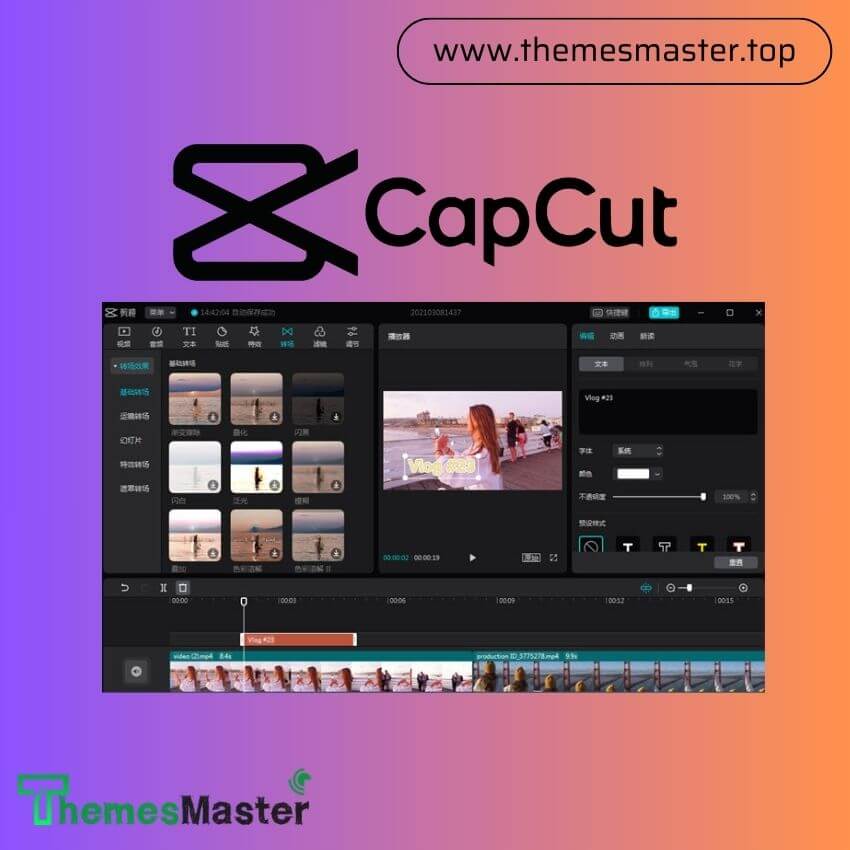
Capcut Video Editor
-
Personal Account: Fully private individual account provided (No sharing).
-
Advanced Editing Suite: Unlock professional tools, AI features, and precise controls.
-
Premium Assets: Unlimited access to exclusive Filters, Effects, and Transitions.
-
Pristine Quality: Export your projects in stunning HD & 4K resolution.
-
Zero Distractions: 100% Ad-free experience with No Watermarks.
-
Copyright-Safe Audio: Huge library of royalty-free music and sound effects.
-
Cloud Sync: Seamlessly edit across all your devices (Mobile/Desktop).
What is Capcut Video Editor?
Capcut Video Editor is an all-in-one creative platform developed by ByteDance that enables users to produce stunning videos with ease. Originally popular as a mobile application, it has expanded into robust versions for desktop and web browsers. It provides a user-friendly interface that caters to both beginners and professional editors who need to generate high-quality content for platforms like TikTok, Instagram, and YouTube.
The platform is famous for its massive library of trendy music, cinematic filters, and automated tools. It simplifies complex editing tasks such as background removal and voice-to-text conversion. By providing a seamless connection between different devices, it allows creators to start a project on their phone and finish it on a computer with perfect synchronization.
Key Features Capcut Video Editor
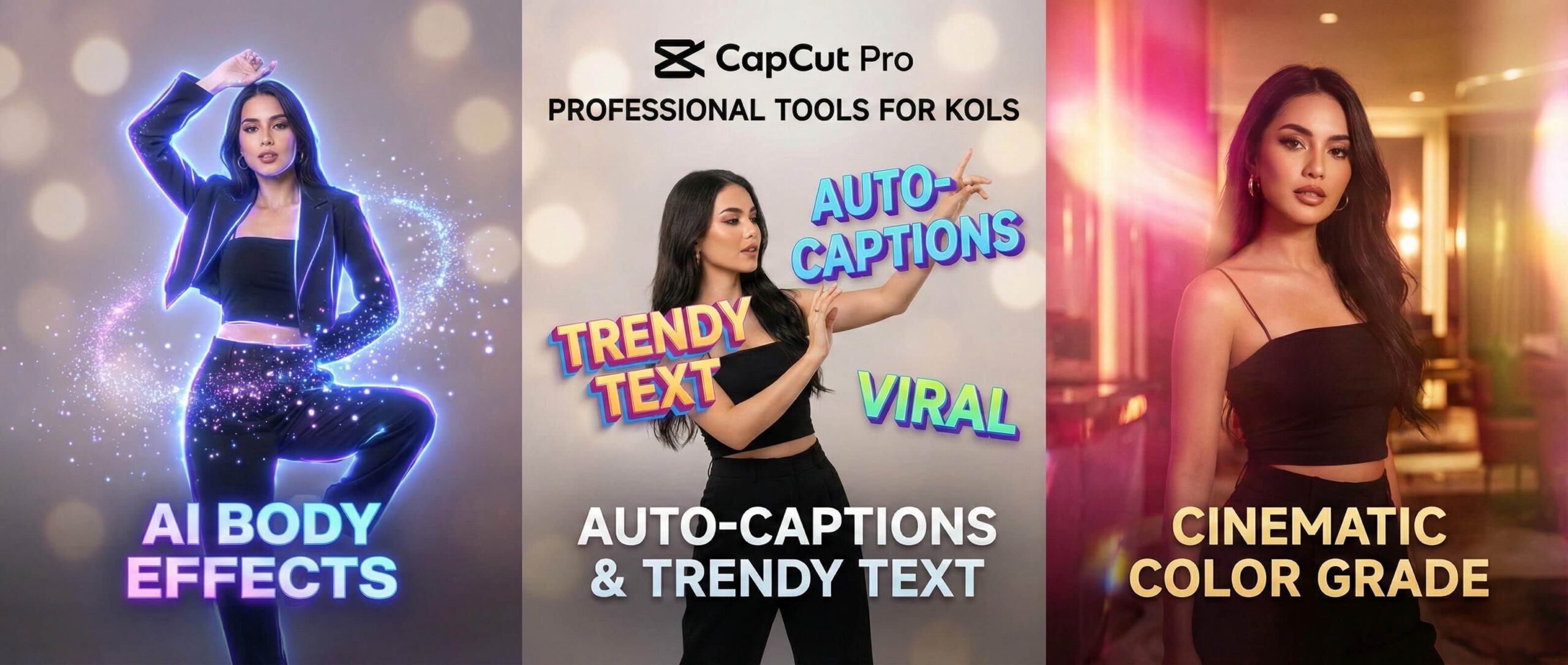
The Pro version of the editor offers a suite of specialized tools that elevate the quality of any production. These features are designed to save time while maintaining a professional aesthetic.
- Advanced AI Effects: Access premium AI-driven tools such as auto-captions with stylish animations and smart image enhancement.
- Premium Transitions and Filters: Use exclusive cinematic transitions and color grading filters that are only available to Pro subscribers.
- Multi-Track Editing: Manage multiple layers of video, audio, and text with a precise timeline that supports complex storytelling.
- Keyframe Animation: Create custom movements for objects and text to give your videos a dynamic and unique feel.
- High-Resolution Export: Export your final projects in 4K resolution at 60 frames per second for the clearest visual quality.
- Voice-Over and Sound Tools: Utilize high-quality text-to-speech voices and a vast library of licensed sound effects.
Comparision The Plans of Capcut Video Editor
| Feature Comparison | Free Version | Pro Subscription |
|---|---|---|
| Asset Access | Basic library only | Full premium library |
| AI Features | Standard AI tools | Advanced AI suite |
| Cloud Space | Limited storage | Expanded storage space |
| Ad Experience | Standard ads | Ad-free environment |
How to purchase at ThemesMaster
Steps to Purchase Your Pro Account
-
Step 1: Selection of Service
Access the ThemesMaster homepage and locate the category labeled Premium AI Services. Choose the package specifically named Capcut Video Editor Pro
Step 2: Secure Payment
Proceed to checkout. ThemesMaster supports various payment methods including local bank transfers and Paypal. The system uses encryption to protect your financial data. The price listed is final with no hidden fees.
Step 3: Activation and Support
After payment, provide your email address to the support staff via the provided contact channel. The technical team will send guide via email to you
Q&A
Question: Can I use one Pro account on both my phone and PC?
Answer: Yes, your premium subscription is linked to your account and works across all compatible devices.
Question: Is there a watermark on videos edited with Capcut Pro?
Answer: No, the Pro version allows you to remove all watermarks and use premium templates freely.
Question: Do I need professional skills to use this editor?
Answer: The interface is designed for simplicity, making it accessible for everyone regardless of their skill level.
Question: What happens to my projects if my subscription ends?
Answer: Your projects remain saved in your account, but you will need an active subscription to use Pro features again.
Reach out to our consultation team at ThemesMaster for personalized advice on choosing the perfect editing account for your creative journey.